A fresh perspective on ordering
MenuMind.
Good food.
Great first
impressions.
Photo menus that make you hungry.
Ordering that feels second nature.
At the table, on your phone, or just a call away.
Food is an experience. Your menu should be, too.
The first bite
starts before
the plate.
Give every dish its moment. MenuMind brings together vivid food photography, helpful menu details, and effortless ordering. So the only question left is: what looks good?
01 / A menu, reimagined
Less guesswork.
More good taste.
A little more detail. A much better way to choose. Meet the menu that does more than list what's for dinner.
Get a feel for every dish before you decide. Real photos or AI-enhanced imagery, with clear descriptions that bring the menu to life.
Explore photo menusOpen the menu at your table, choose your favorites, and place your order. No app to download. Just your phone and your appetite.
Explore qr orderingCurious about a dish? Ask MenuMind about the menu and explore options before you add your next favorite to the order.
Explore ai menu assistantInteractive product preview. No orders are placed here.

Iced Tea
Sweet or Unsweet
02 / A new way to order
Good food.
Just a call
away.
For the moments you'd rather talk than tap. MenuMind's voice assistant takes phone orders at participating restaurants and sends a confirmation by text.
Meet your next team memberThanks for calling. What can I get started for you?
03 / Made to make you hungry
A feast for
your feed.
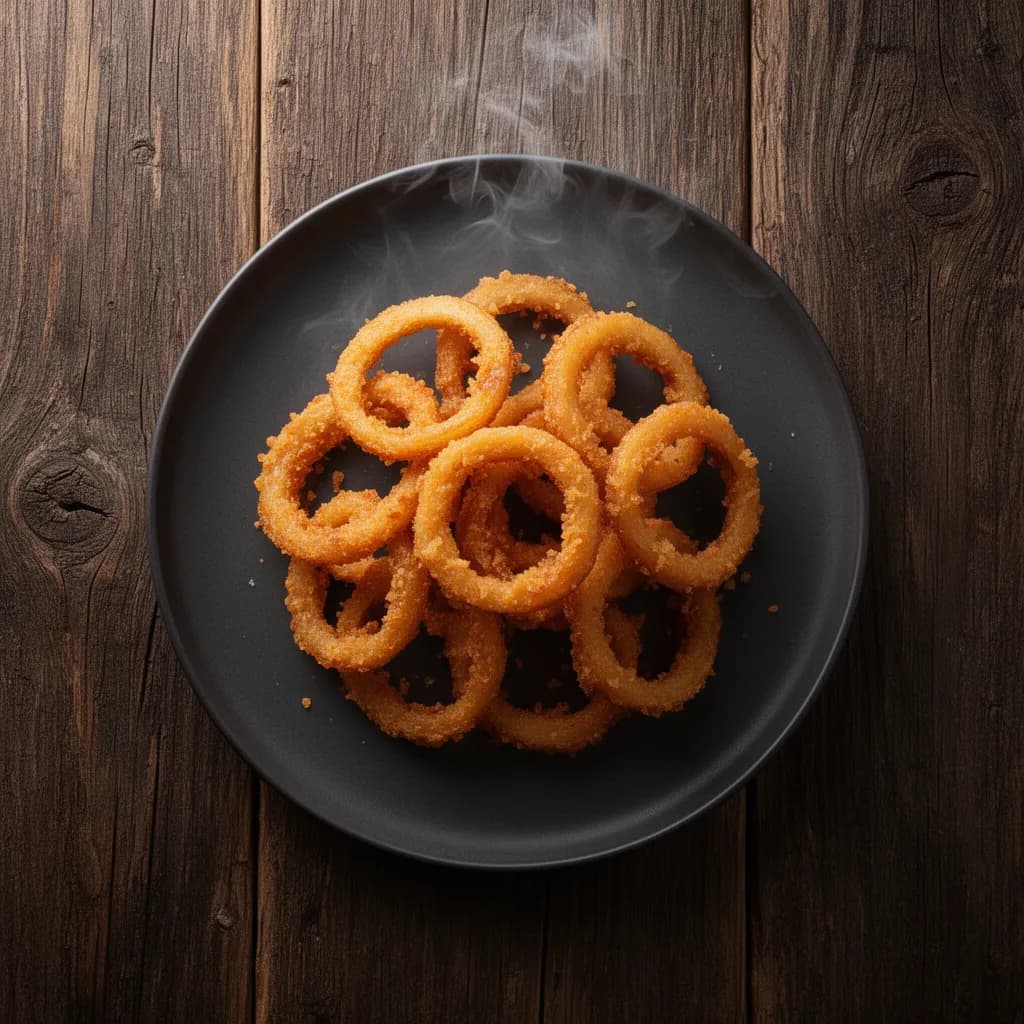
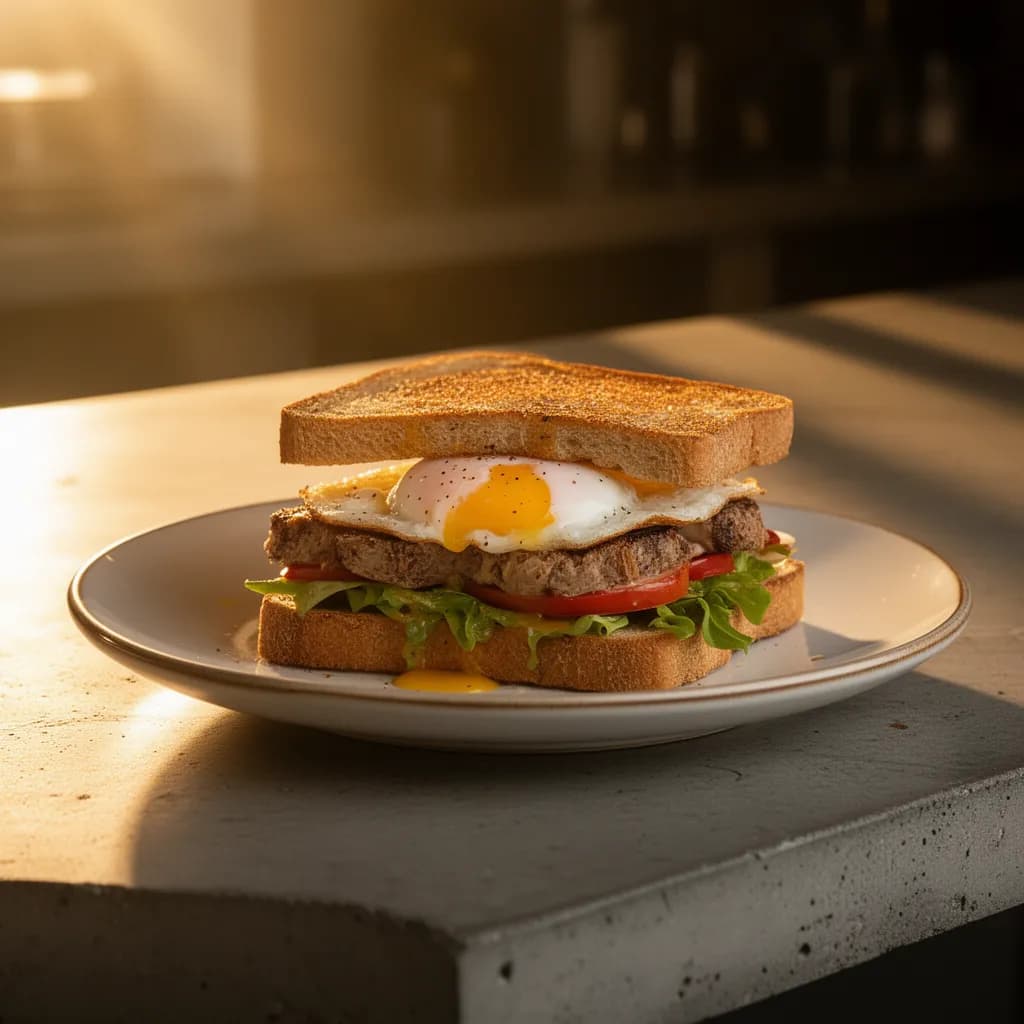
From your signature dish to their next discovery. A taste of what MenuMind can create for your menu.
AI-generated images from MenuMind 01
Turkish Kahve (Coffee)
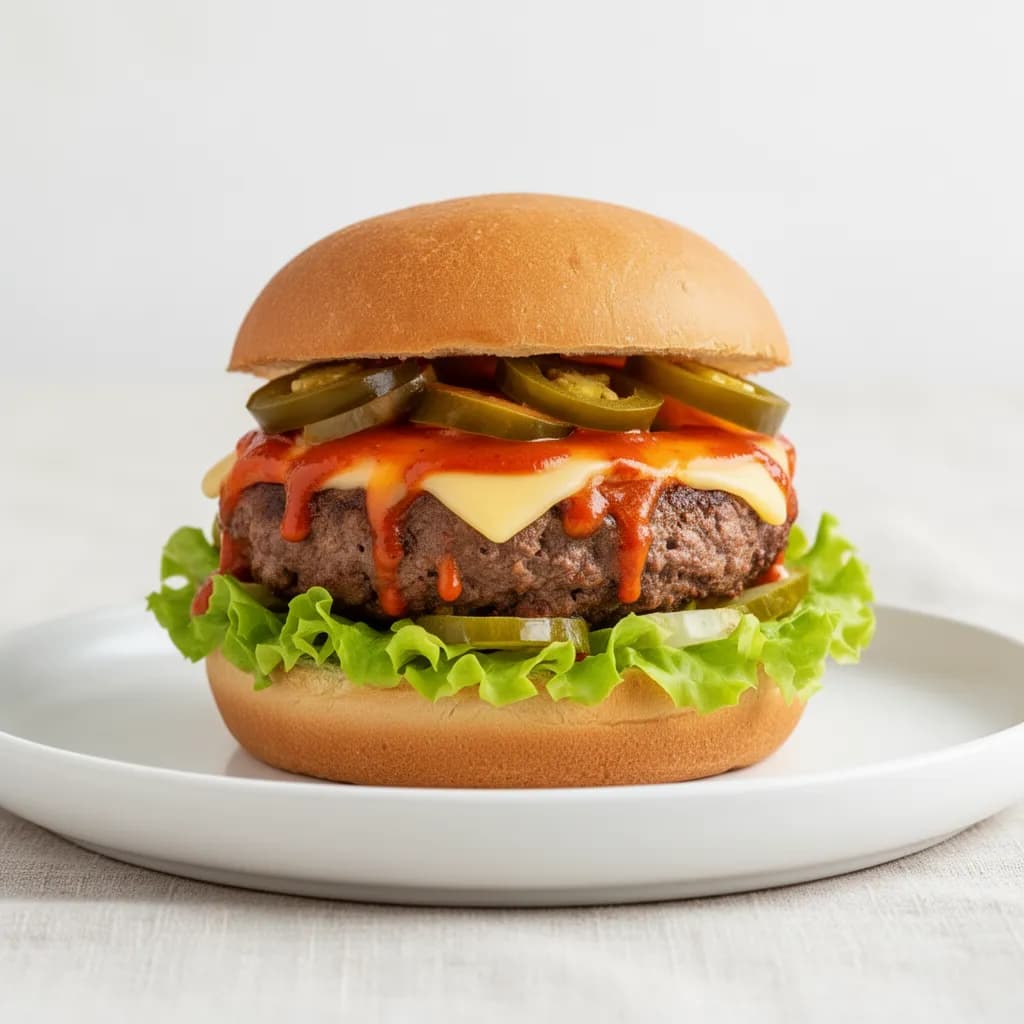
MenuMind / Food imagery02Iced Tea
MenuMind / Food imagery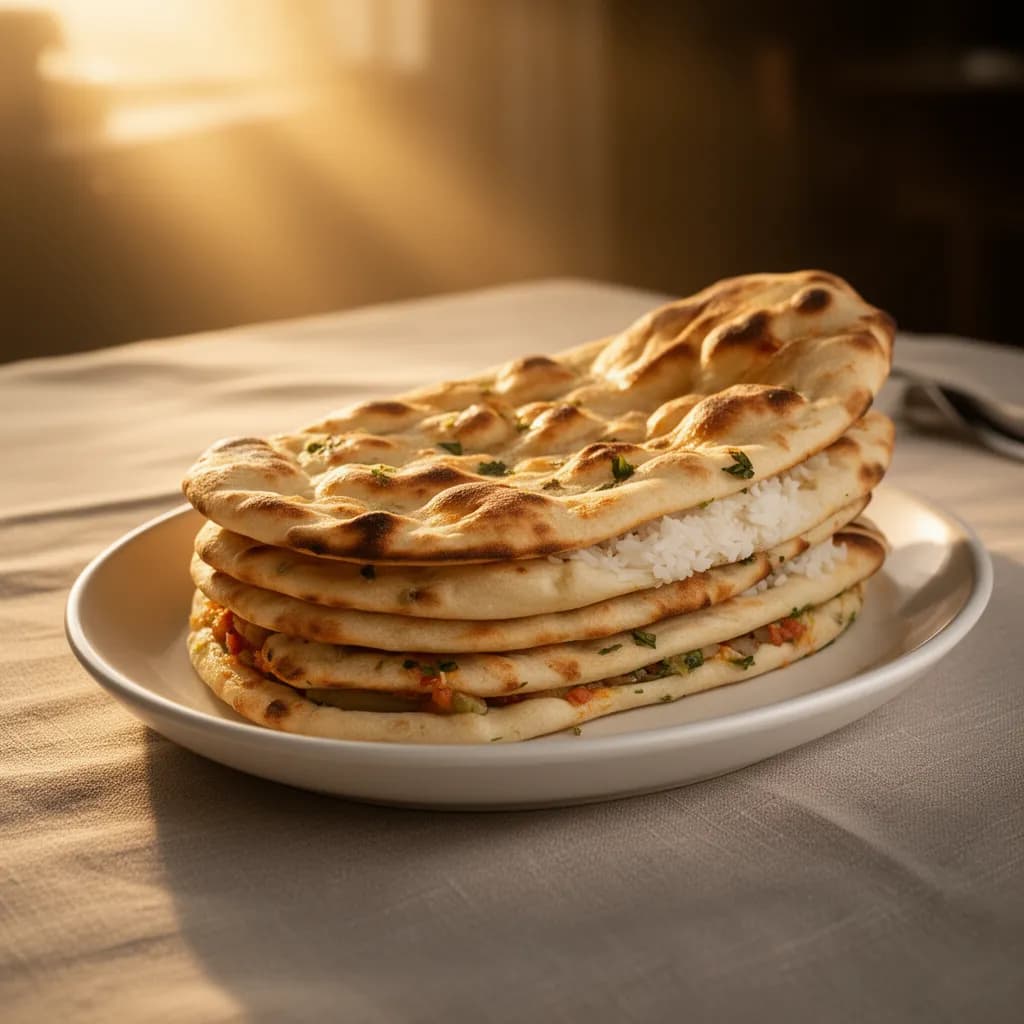 03
Naan or White Rice (choose any)
MenuMind / Food imagery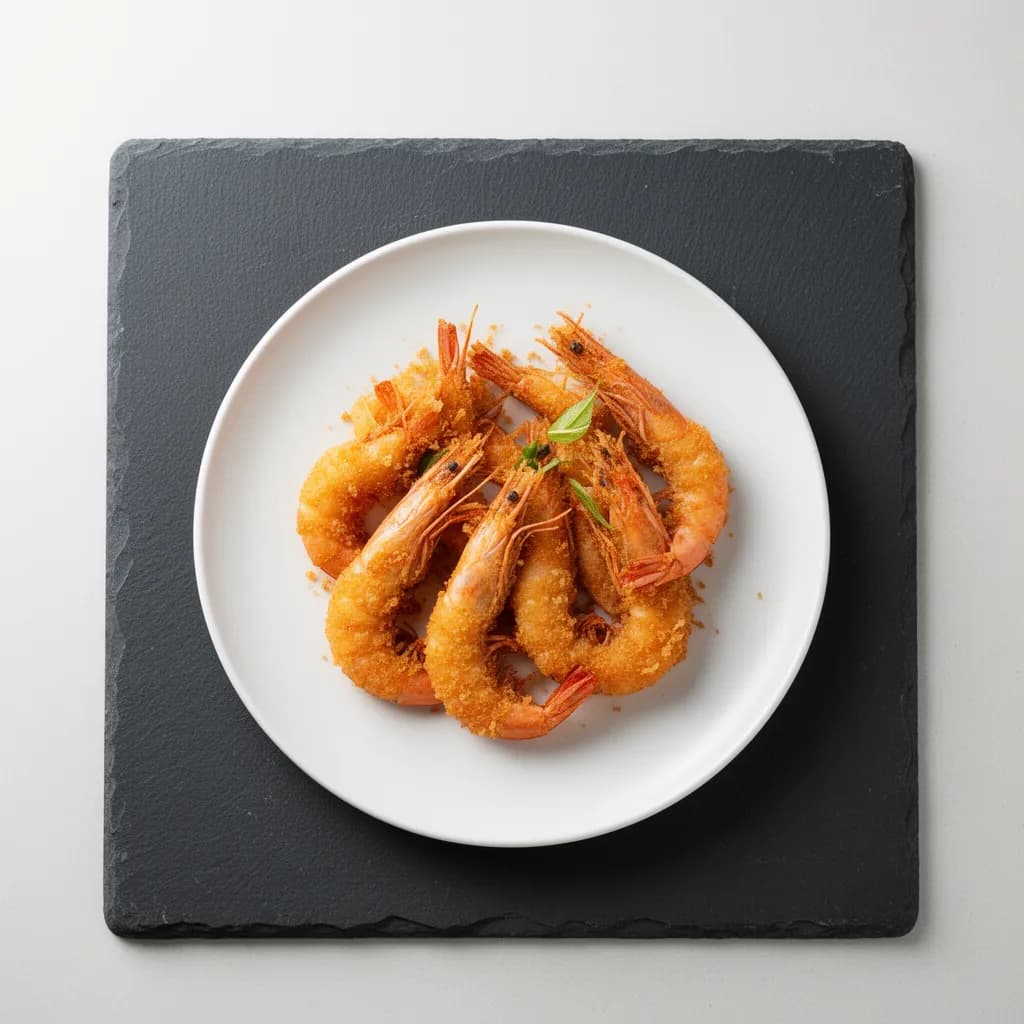 04
Golden Fried Prawns
MenuMind / Food imagery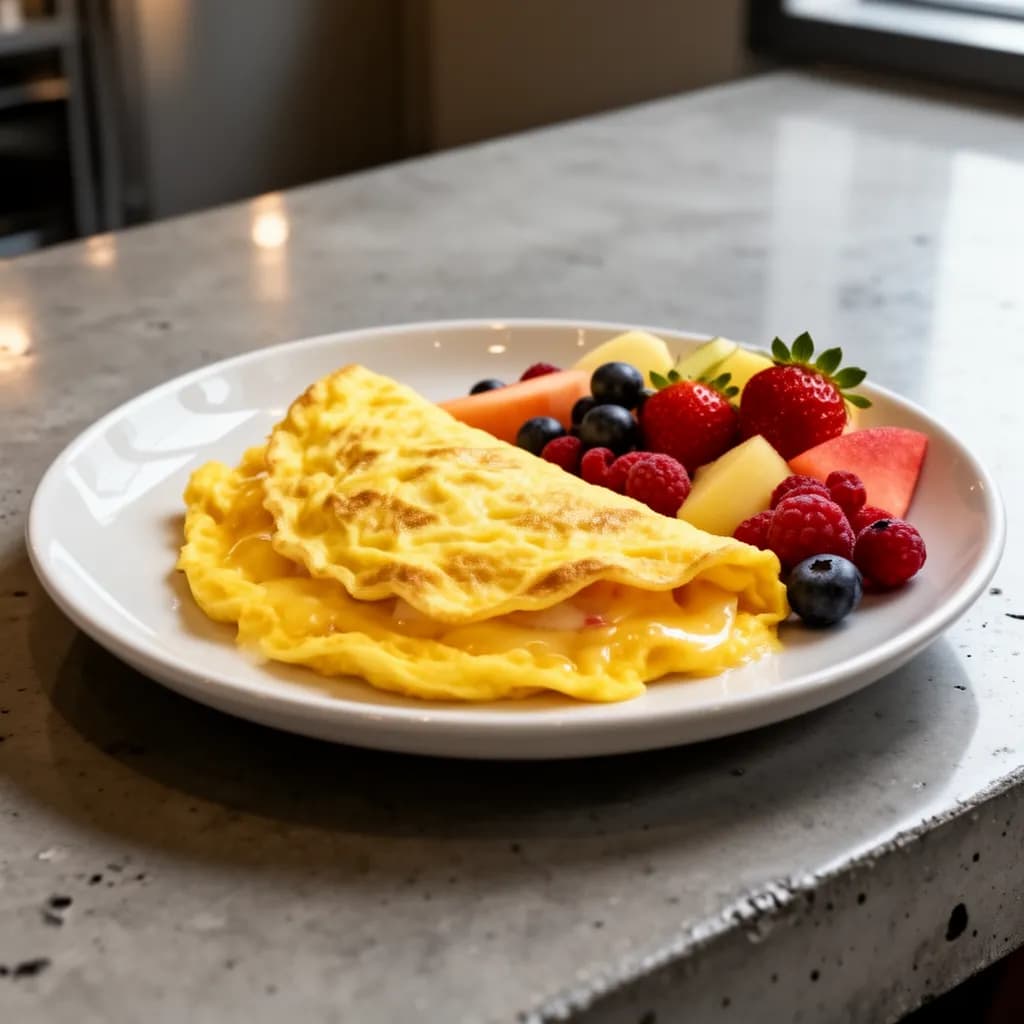 05
Cheese Omelet Fresh Fruit
MenuMind / Food imagery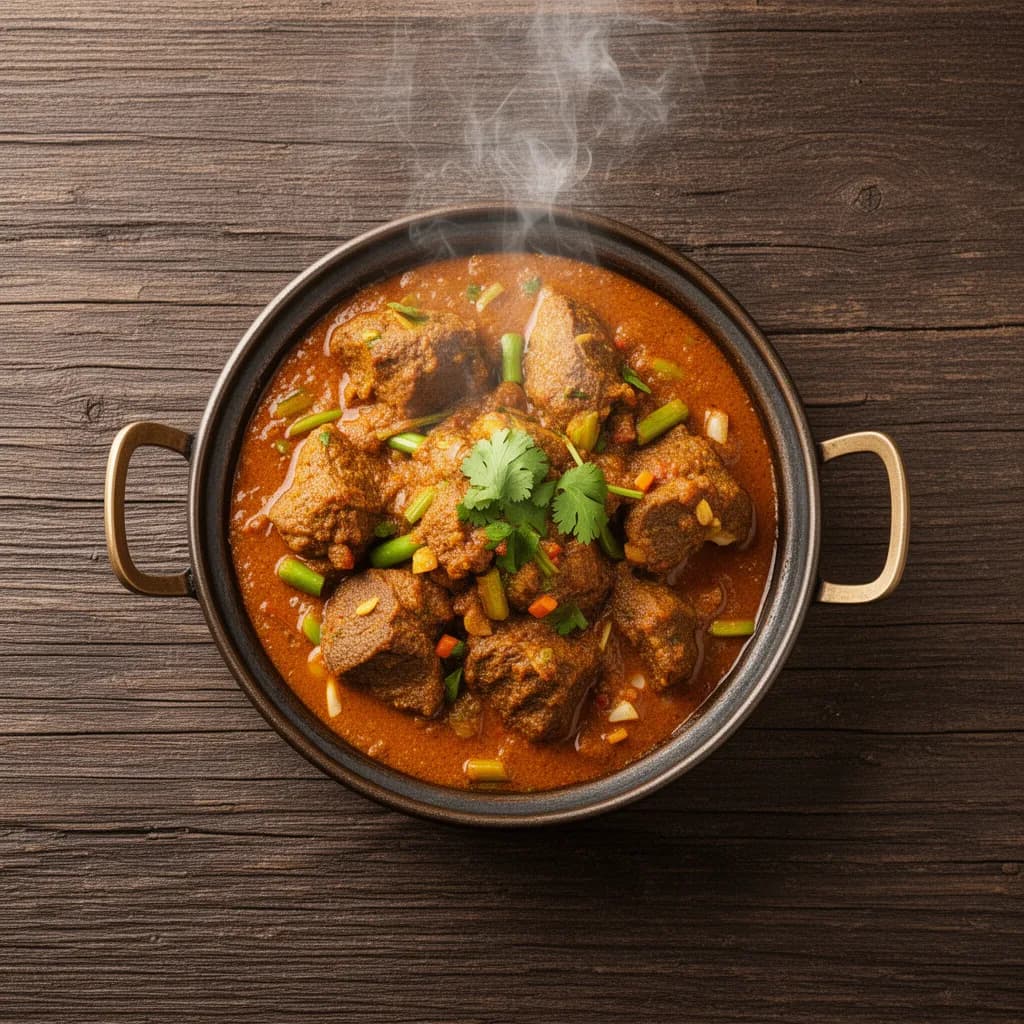 06
Mutton Shinwari Karahi
MenuMind / Food imagery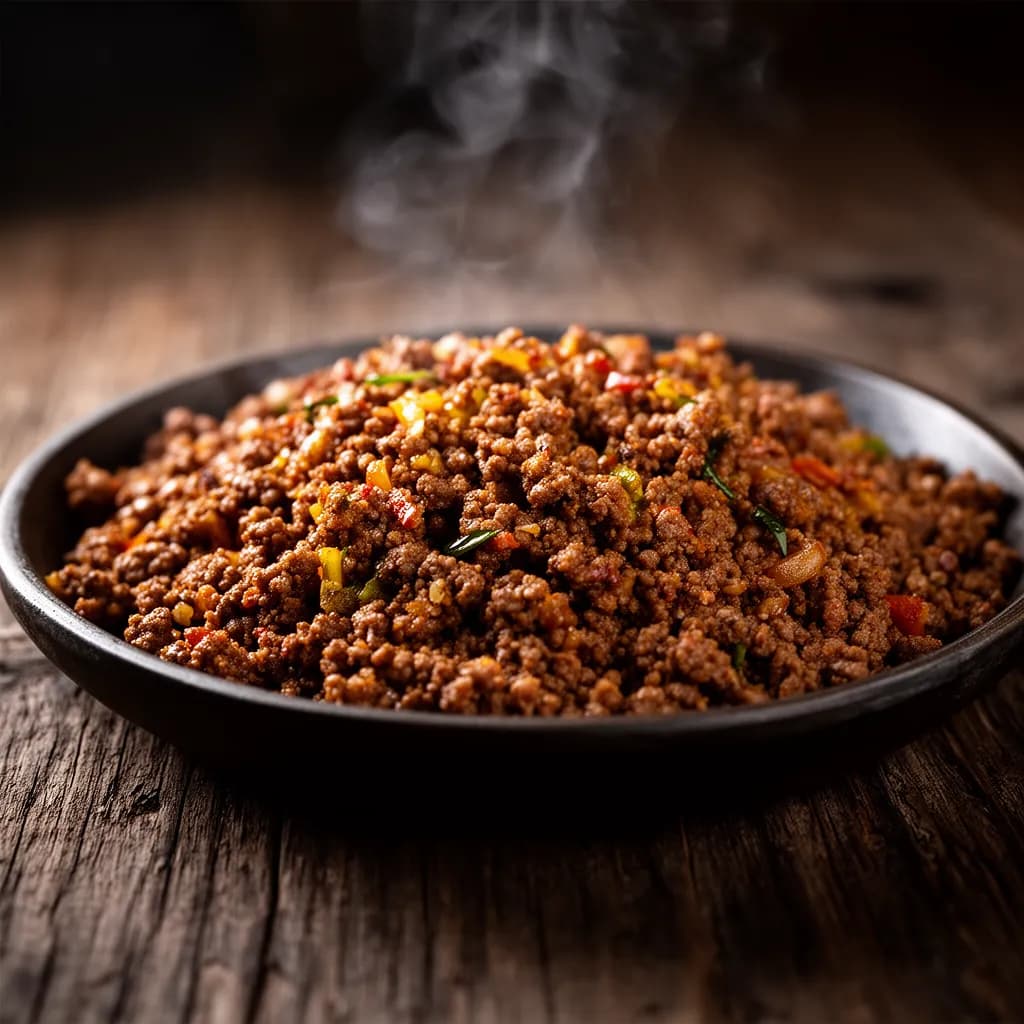 07
Tawa Qeema
MenuMind / Food imagery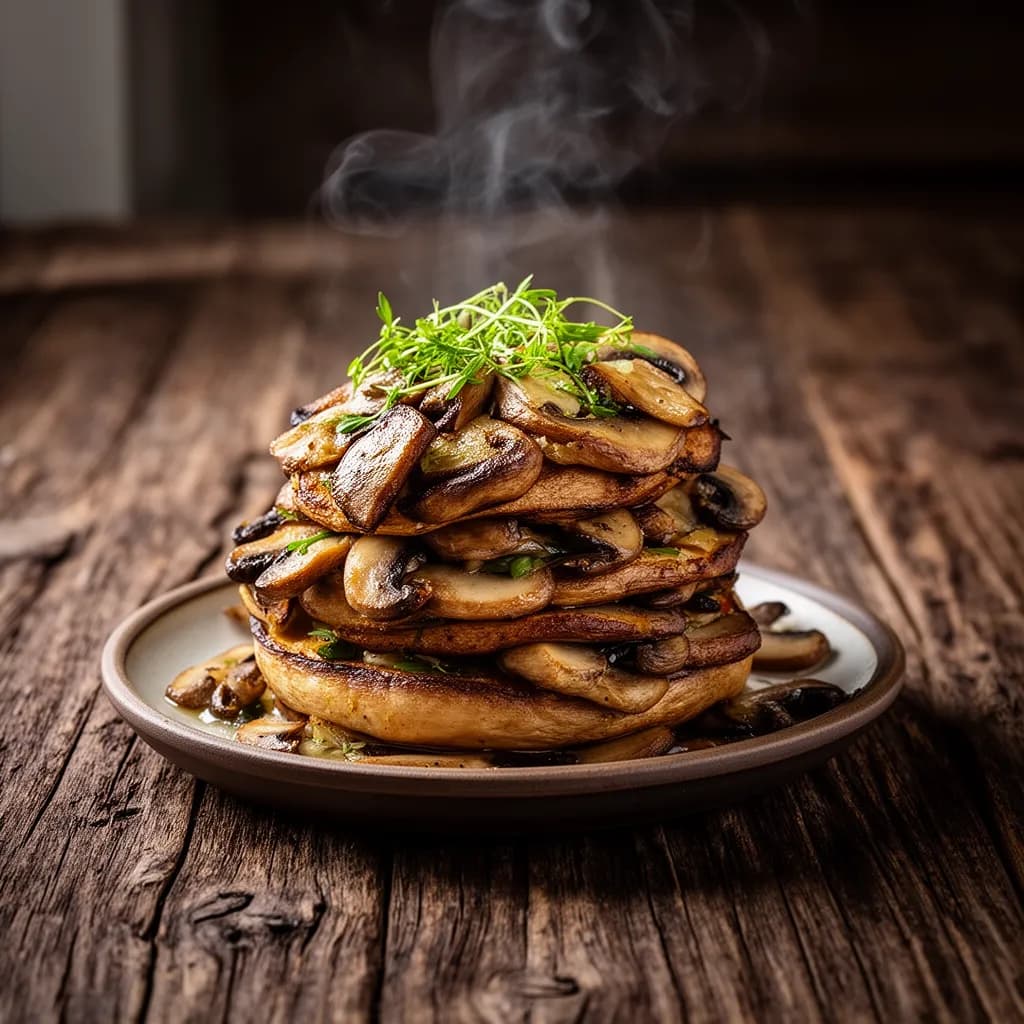 08
Fried Mushroom
MenuMind / Food imagery04 / Out of the kitchen. Into your hands.
Real places.
New favorites.

For the people behind the food
Made for your next chapterYou make
the good food.
We'll set the stage.
Give your menu a new presence. Bring your dishes online with photography, QR ordering, and a voice assistant that knows what's cooking.
Bring your restaurant to MenuMindShare your menu
Start with your existing menu and dish photos.
Make it yours
Review your images, descriptions and menu details.
Open for orders
Share your menu link and bring it to the table with QR.
01How do I order?
Two ways. Tap: open a restaurant's menu, tap a dish to see the photos and details, add what you like, and check out for pickup or dine-in at your table. Or call: participating restaurants answer with a voice assistant that takes your order over the phone and texts you a confirmation.
02How does ordering by voice work?
Call a participating restaurant and MenuMind's voice assistant picks up. It knows the full menu and the day's specials, takes your order in plain conversation, answers questions about dishes, and sends your order confirmation and pickup time by text. No app or account needed.
03Do I need an account?
No. You can browse any restaurant's menu and place an order without signing up.
04I run a restaurant - how do I get on MenuMind?
Head to the "For restaurants" page or contact us. We help you get your menu online with photos and descriptions so new guests can find and understand your food.